 How-to
Pool Service Digital Reporting Explained: What Your Report Means
Last Updated: November 21, 2026
Quick Summary
Pool service digital reporting explained: it is the documented, timestamped record of everything a technician does at your pool, delivered as a digital file instead of a paper log. Each report shows visit times, water chemistry readings, chemicals added with dosages, tasks completed, equipment notes, photos, and follow-up issues.
- Every useful digital report carries seven core fields, including visit time, readings, dosages, tasks, equipment notes, photos, and follow-up.
- Most pool professionals aim for pH of 7.4 to 7.6 and free chlorine of 1 to 3 ppm.
- A report that lists chemicals added without dosage amounts hides whether the technician tested first.
- You can verify a visit in under two minutes by checking the timestamp, readings, photos, notes, and dosages.
- A 36-minute routine weekly visit is plausible, while a two-minute visit is not.
Table of Contents
- What a Digital Pool Service Report Actually Records
- Pool Chemical Readings Explained: pH, Chlorine, and What the Numbers Mean
- How to Read the Work Completed, Equipment, and Photo Sections
- Proof of Pool Service: Verifying a Visit You Did Not Watch
- What a Good Pool Service Report Template Includes
- Pool Service Visit Report Software: What to Look For
- Digital Reports vs. Paper Logs: What Changes for Property Managers
- Request a Sample Report from Clear Water Pools
- Frequently Asked Questions
What a Digital Pool Service Report Actually Records
Pool service digital reporting explained simply: it is the documented, timestamped record of everything a technician does at your pool, delivered to you as a digital file instead of a paper log.
Most pool owners never see their service history, they see a clean pool and assume the work happened. A report turns a verbal promise into a record you can check.
The Seven Fields on Every Report
Every useful digital report carries the same core fields. If one is missing, ask why.
- Visit date and time: when the technician arrived and left
- Water chemistry readings: pH, chlorine, and other test results
- Chemicals added: what went in and how much
Pool Chemical Readings Explained: pH, Chlorine, and What the Numbers Mean
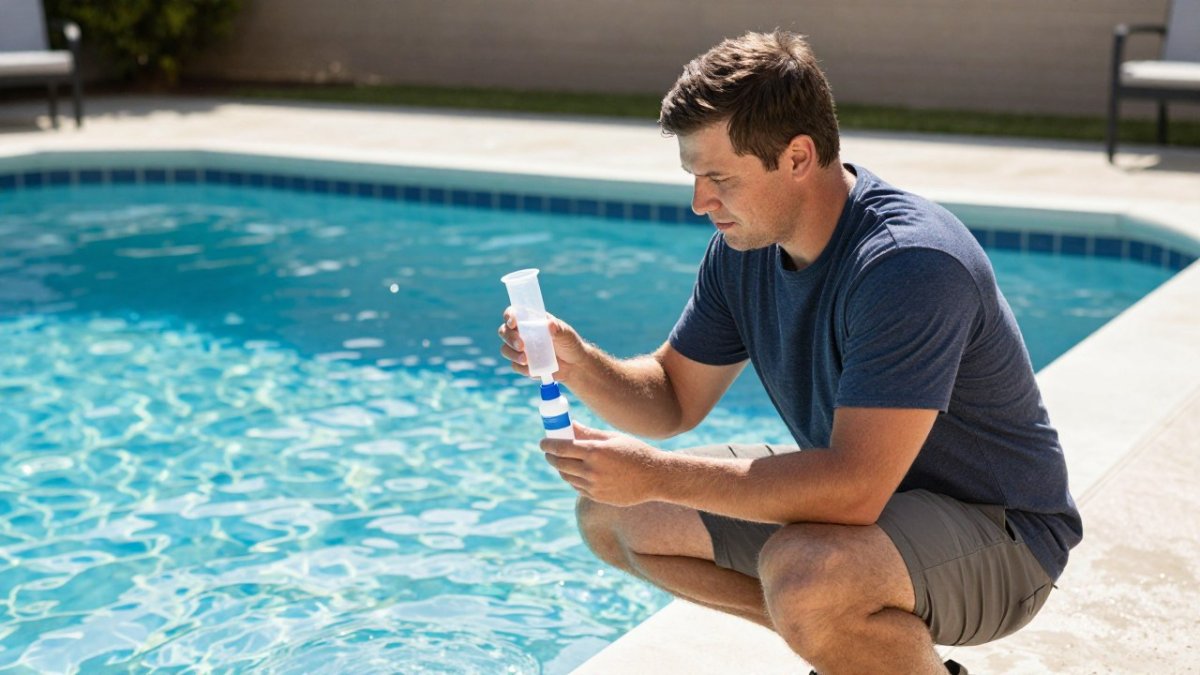
Pool chemical readings are the test results a technician records for your water.
Here is the practical range most pool professionals aim for:
| Reading | Target Range | What It Means |
|---|---|---|
| pH | 7.4 to 7.6 | Comfortable water that lets chlorine work |
| Free chlorine | 1 to 3 ppm | Enough sanitizer to kill bacteria |
| Total alkalinity | 80 to 120 ppm | Keeps pH from swinging |
| Cyanuric acid | 30 to 50 ppm | Shields chlorine from sunlight |
These ranges follow widely used guidance from the Centers for Disease Control and Prevention on pool water treatment. Your report should show the actual number, not just "OK."
A common mistake is trusting a report that says "chemicals added" without the dosage. The amount is how you spot a technician dumping a fixed dose every week instead of testing first.
Why the Same Number Can Be Fine on One Pool and Wrong on Another
A single target table is a starting point, not a verdict. The right range depends on sanitizer type, bather load, water temperature, and sun exposure.
That is why a good report shows the reading, the target, and a one-line reason. "Free chlorine 0.5 ppm, below target after heavy bather load; raised with liquid chlorine" tells you more than "chlorine low." If your report shows numbers with no context, ask what target the technician is using and why.
Reading Each Field in Plain Terms
- pH: Below 7.2 tends to sting eyes and corrode metal parts; above 7.8 reduces chlorine's ability to sanitize and can cloud water. A reading of 7.4 to 7.6 is the comfort zone for most pools.
- Free chlorine: This is the chlorine still available to kill germs. A reading near zero is the one to act on quickly. A reading that is high but falling normally after a shock is expected.
- Combined chlorine (chloramines): Often reported alongside free chlorine. A rising combined chlorine number is the classic cause of "chlorine smell" and eye irritation, and it usually means the pool needs oxidation, not just more chlorine.
When a Reading Is Off: What Safe Follow-Up Looks Like
An off reading is a signal, not a crisis. Low chlorine might mean heavy bather load or a struggling chlorinator; high pH might mean the water needs acid.
Safe follow-up means the report names the reading, the correction, and the recheck.
If you want to confirm the numbers yourself, our guide on how to verify professional pool water readings walks through independent testing step by step.
How to Read the Work Completed, Equipment, and Photo Sections
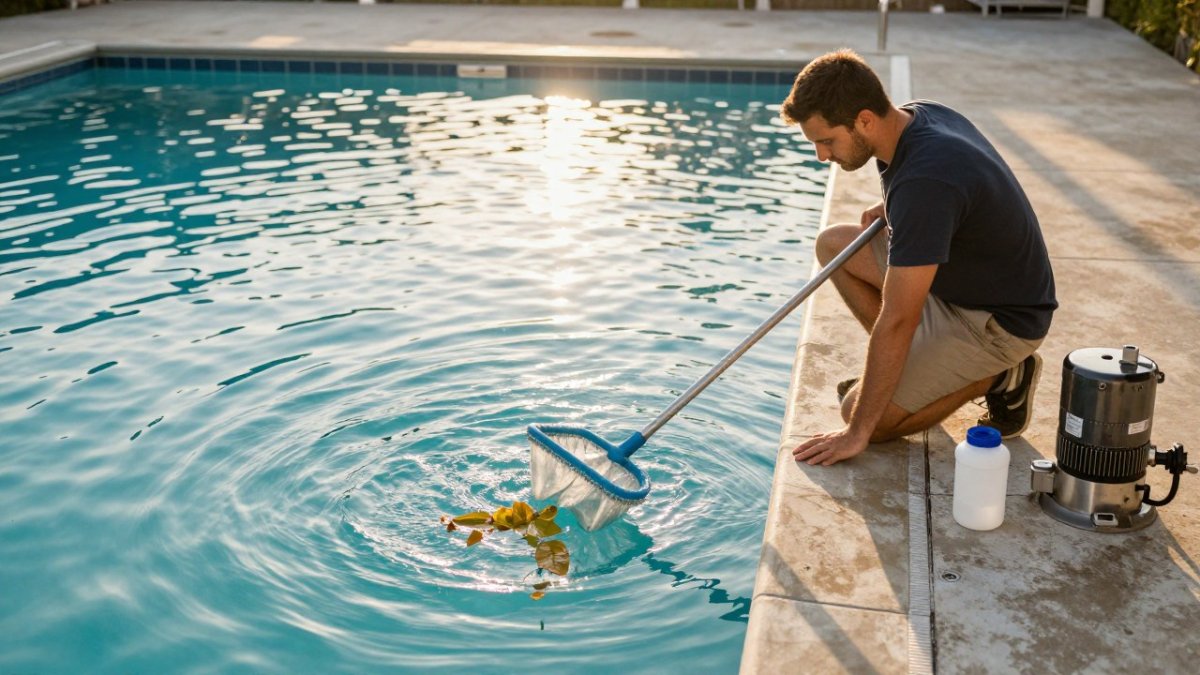
The work-completed section is where a report earns trust. Look for specifics, not vague claims: "skimmed surface, brushed walls, vacuumed floor, emptied skimmer baskets, backwashed filter."
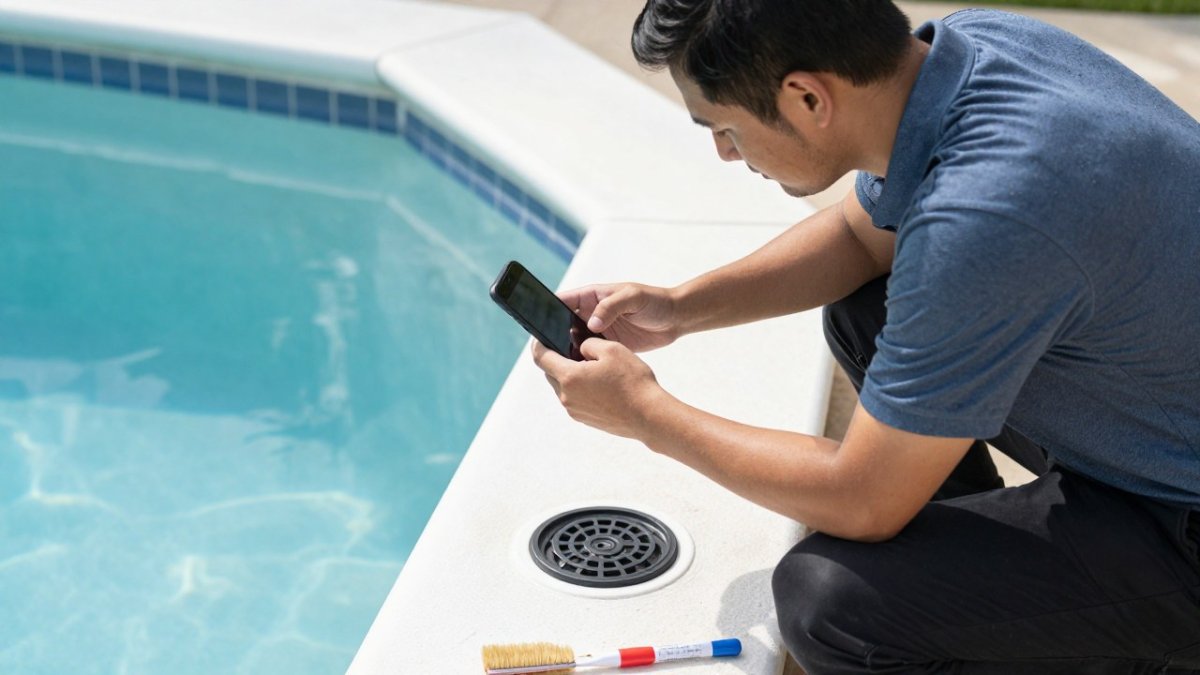
Equipment inspection is the section most owners skim past. Don't.
Photos are your before-and-after documentation. A shot of a debris-filled skimmer basket before cleaning, then a clear one after, is proof of service you can see.
What most guides miss: the notes field. If you are scanning for red flags that a tech skipped steps, our breakdown of the signs your pool technician is skipping steps gives you a field-by-field checklist.
Proof of Pool Service: Verifying a Visit You Did Not Watch
Proof of pool service means evidence that the visit happened and the work was done. A timestamped report with photos and readings is that evidence. Without it, you are trusting a knock on the door.
Here is how to verify a visit in under two minutes:
- Check the visit date and time against your schedule.
- Confirm the water readings changed or held as expected.
- Look at the photos for a clear pool and clean baskets.
- Read the notes for any flagged issue.
- Confirm chemicals added match the readings.
If a report is thin or missing data, ask for the missing field.
What a Good Pool Service Report Template Includes
A strong pool service report template documents the visit, guides the technician, and answers customer questions before they are asked.
Use this checklist to judge any report you receive:
- Visit date and time stamp
- Full water chemistry readings with actual numbers
- Chemicals added with dosage amounts
If any line is blank, the report is incomplete. A template that skips the dosage or the photos is a receipt, not proof of service.
What a Filled-In Field Looks Like
A checklist only helps if you know what "good" looks like. Here is a realistic example of one visit's entries, field by field:
- Visit: Tuesday, 9:12 a.m. to 9:48 a.m., a 36-minute visit is plausible for a routine weekly service; a two-minute visit is not.
- Readings: pH 7.8, free chlorine 0.5 ppm, total alkalinity 90 ppm, cyanuric acid 60 ppm., pH is at the top of the range, chlorine is low, and cyanuric acid is above the usual 30-50 ppm target. That combination is a coherent story: high stabilizer can hold chlorine down.
- Chemicals added: 1 qt muriatic acid; 2.5 lb calcium hypochlorite shock., Dosages are named. "Chemicals added: yes" would not be.
How to Spot an Incomplete or Inconsistent Report
Accuracy problems rarely look like missing pages. They look like small mismatches. Watch for these patterns:
- Readings that never move. If pH and chlorine are identical to two decimal places every single week, the numbers may be copied forward rather than tested.
- Chemicals without quantities. "Added chlorine" with no amount makes it impossible to judge whether the dose matched the reading.
- Tasks that contradict the photos. A report claiming "vacuumed floor" with a photo showing debris on the floor is a red flag.
When you find one of these, ask a specific question: "What was the free chlorine reading and how much chlorine was added?" A provider with a real record answers in one message; a provider filling in forms will stall.
What to Do When a Report Flags a Problem
A flagged issue is the most valuable part of the report, and it deserves a decision path rather than a shrug. Sort the issue into one of three buckets:
- Urgent safety issue. Green water, a pump not running, a visible leak, a heater smell, or a reading near zero chlorine with swimmers using the pool. Act the same day: keep people out of the water until the reading is corrected, and ask the provider for a same-week or emergency visit.
- Routine recommendation. High cyanuric acid, a filter that needs cleaning soon, a slowly rising pressure trend, or a cosmetic crack. These are not emergencies. Ask for a written recommendation with a timeframe and a price before you approve anything.
- Repair approval. A failed pump, a leaking heater, or a cracked filter housing. Ask for the diagnosis, the proposed fix, and whether a follow-up visit is included. Get the approval in writing so the work order and the report match.
Whatever the bucket, close the loop. A recommendation with no follow-up visit scheduled is just a note; a good provider puts the follow-up on the next report so you can see it was handled.
If you are scanning for red flags that a tech skipped steps, our breakdown of the signs your pool technician is skipping steps gives you a field-by-field checklist.
Pool Service Visit Report Software: What to Look For
Pool service visit report software is the tool a company uses to build and send these records. The right software makes reporting fast and consistent. The wrong one produces generic forms with empty fields.
Look for these features:
- Mobile data entry so techs log readings on site
- Photo capture tied to the visit record
- Automatic report delivery to the customer
For property managers, digital records can replace a paper binder that is easy to fall behind on.
Digital Reports vs. Paper Logs: What Changes for Property Managers
Digital reports change the property manager's job in three ways. They arrive automatically, they are searchable, and they prove service without a phone call.
Paper logs get lost, smudged, or filled in late. Digital records carry a timestamp and a photo. When a guest or resident complains, you pull the visit record and see exactly what happened and when.
If you manage multiple properties, one partner for the properties you manage matters more than a stack of paper. Our multi-property pool service and reporting is built for portfolios that need consistent schedules and documented visits.
Request a Sample Report from Clear Water Pools
The fastest way to understand pool service digital reporting explained in practice is to see a real report. We send documented weekly visits with photos, water readings, and clear notes, so you know exactly what happened at your pool.
Our team handles consistent weekly pool cleaning and equipment repair across the region, and every visit comes with a report you can check. To see what that looks like before you commit, request a quote for documented weekly pool cleaning and ask for a sample report.
A clean pool is only half the story. The other half is proof you can read. If you are tired of guessing whether the work happened, Clear Water Pools gives you documented visits with photos, water readings, and clear follow-up notes.
Frequently Asked Questions
What should a pool service report include?
A complete report covers the visit date and technician, water readings for pH, chlorine, and other chemistry, the chemicals added with dosage amounts, and the cleaning tasks completed such as skimming, brushing, and vacuuming. It should also list equipment inspected (pump, filter, heater) with condition notes, photos of the pool and any issues found, and recommended follow-up. If any of these fields are consistently blank, ask your provider why before assuming the work was done.
How can a property manager verify that a pool was actually serviced?
Look for three things that are hard to fake: a timestamped visit record, before-and-after photos of the same area, and water readings that change in a believable way week to week. A digital service record with GPS or check-in timestamps plus photos of the skimmer, waterline, and equipment pad gives you proof of pool service without being on site. Cross-check the chemical amounts logged against the readings; a big chlorine jump with no chemical entry is a red flag.
What do the chemical readings in a pool service report mean?
pH tells you how acidic or basic the water is, and chlorine shows the sanitizer level protecting swimmers. Reports usually also list alkalinity, calcium hardness, and stabilizer (cyanuric acid). When a reading sits outside the target range, the report should say what was adjusted and what to watch. If a number stays out of range for two or three visits with no explanation or follow-up recommendation, ask for a written plan rather than accepting another chemical dump.
Can digital pool reports include photos and repair recommendations?
Yes, and they should. Photos document the pool condition, debris levels, water clarity, and equipment at each visit, which protects both you and the provider. Repair recommendations belong in the report as a separate note with the issue, the likely cause, and a suggested next step, so you can decide on your own timeline. Ask any provider whether their pool service visit report software attaches photos to the visit record and keeps a service history you can access later.